The Asus Zenbook S13 I picked up a year ago is a well-built, extremely light ultraportable that I’ve been using largely as a travel laptop. The OLED screen is beautiful, the laptop is quick even when performing tasks, is just about 1kg heavy, and the keyboard deck makes speed typing easy. This Zenbook is among the best ultraportables I’ve owned, and it would have been my main go-to for years to come if it wasn’t for a singular issue that makes it difficult to use: poor thermal management. Running even the lightest workload — as in office productivity software — results in warm air gushing out of the left air vent, and with a casual game running, the keyboard can get toasty to use! The heat management of this Zenbook has been commented on in various reviews and discussion threads, e.g. here and here, but I didn’t realize it would be this bad. The thermals are only manageable on the keyboard deck when I set the fan profile to run at maximum — which produces a fair amount of fan noise — and enforce a 50% processor limit across the board.
That was largely the impetus for me to look around for a backup travel laptop, and one that I could likewise also bring out for occasional work during weekends — i.e. one that offered good battery life. I’d already picked up two new Windows laptops prior to this, so I wasn’t exactly keen on buying a third Windows laptop again. The only other alternative then was a MacBook from the fruit company. It’s been 12 years since I’ve owned a MacBook, though I’ve owned about a dozen iPads since that point.
To be sure, I was quite unsure if I wanted to try getting into the Apple ecosystem again. Specifically, I am simply more productive on Windows laptops, and even with the fact that I’d probably be able to learn and get used to a MacBook again, Windows laptops simply provide me the kind of familiar flexibility that I suspect MacBooks never would. And all that stuff about MacBooks being more reliable than Windows laptops: the MBP I had suffered a motherboard failure a week after its warranty ended, a problem I’ve never experienced with the several dozen Windows laptops I’ve owned by this point.
Still, I decided to at least explore my options. As luck had it, Apple released its newest M4 iteration of the very popular MacBook Air line — with larger base system RAM and a price cut to boot. The base M4 MacBook Air model now — 16GB RAM / 256GB Storage — at USD999 has led many reviewers and enthusiasts to regard this model as the best value laptop you can buy right now. There were also older Airs on Apple’s refurbished website going at discounts. But all things considered, I eventually decided to go with the M4 Air and paid the Apple tax to bump up the storage from 256GB to 512GB. Not particularly because my intended use case for this Air would make it absolutely necessary to have that much onboard storage, but largely because Apple devices hold their resale value well, and a 512GB system would widen my potential use cases if I go beyond travel use. The wife was also happy to support this purchase, on account that she still owed me one birthday present from last year haha.
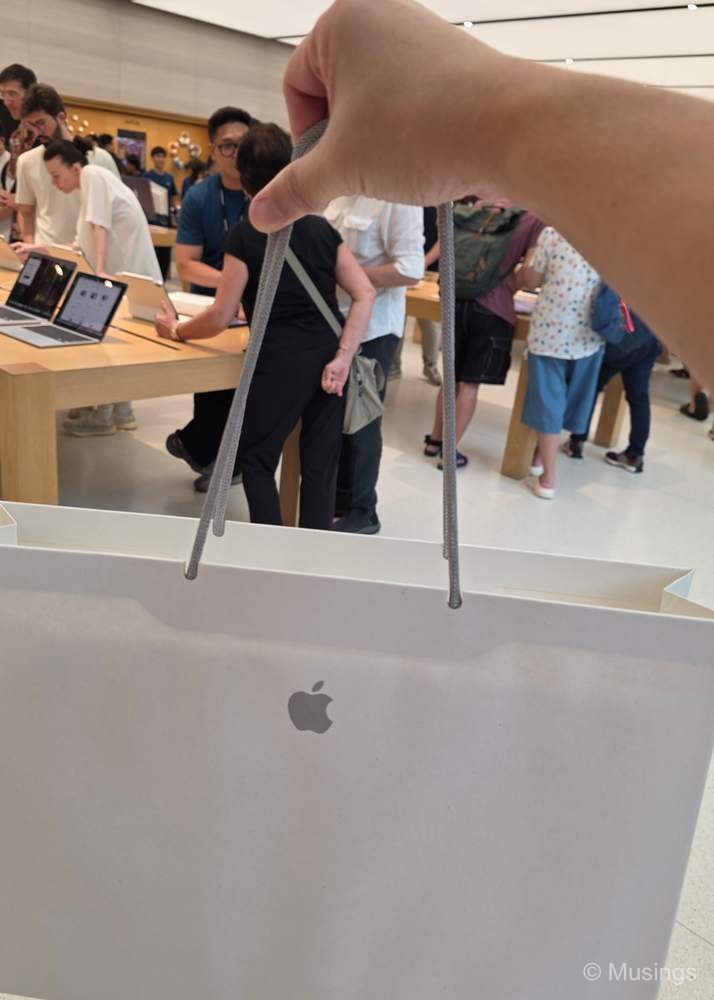
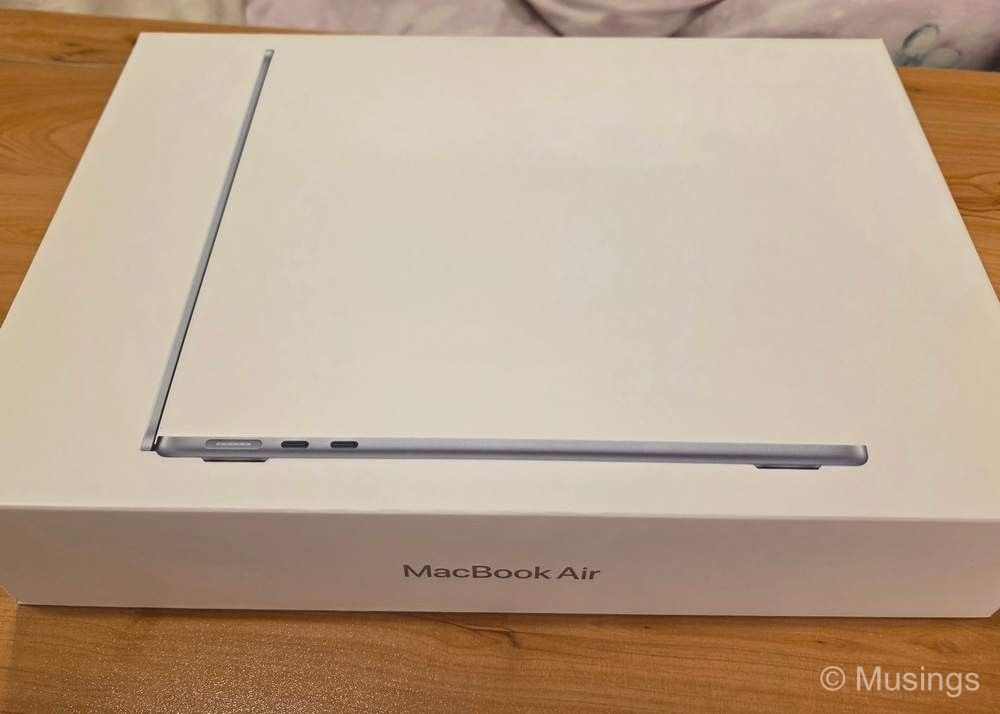
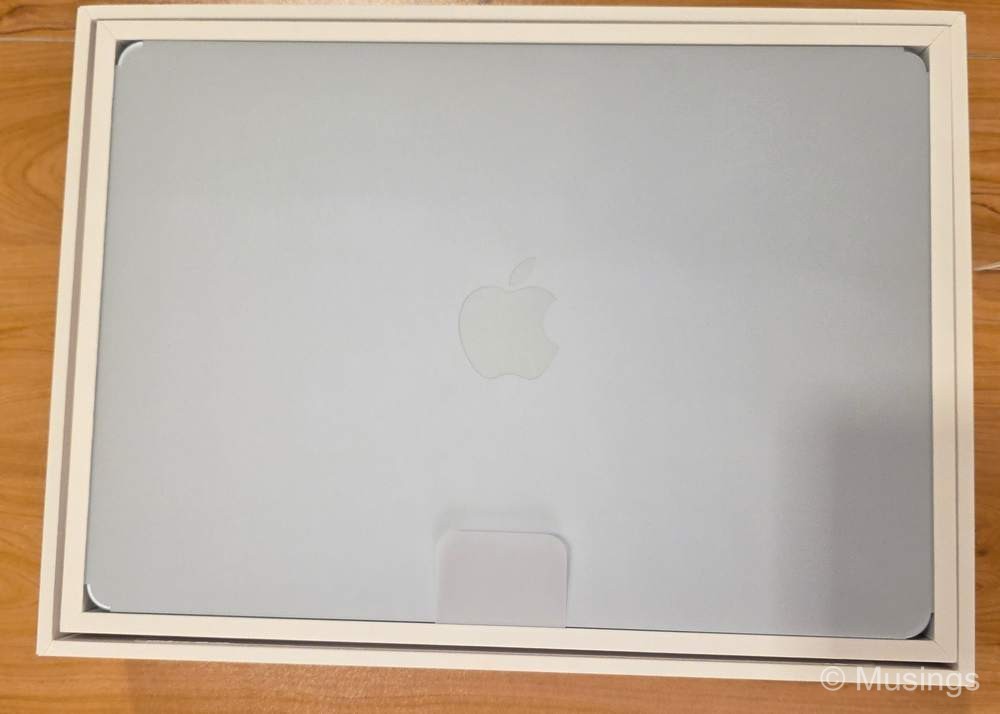
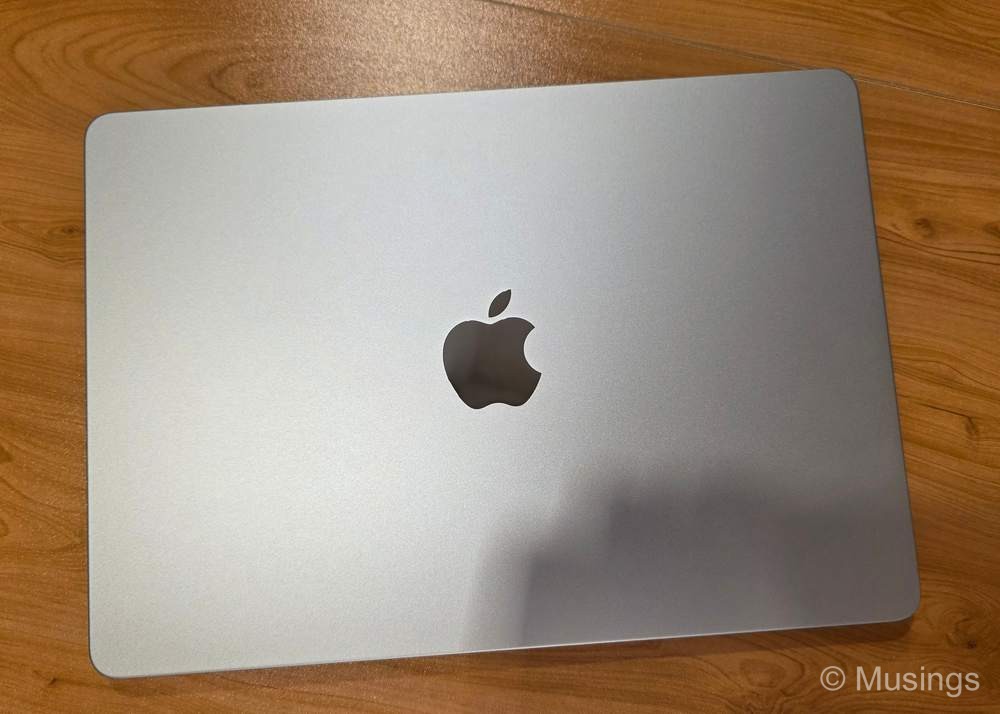
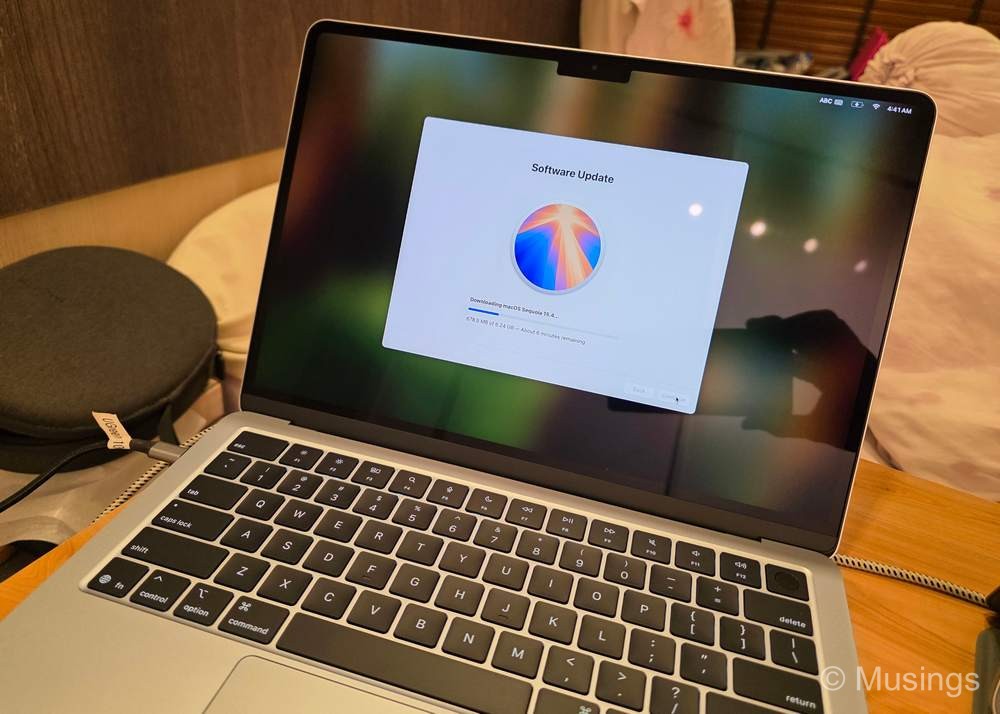
So, the MacBook Air M4 was picked up last weekend, and I’ve set it up to mirror my usual workflows on my Windows laptops. Initial comments:
If only Windows laptops had this kind of design language in their machines: the Honor MagicBook that I just bought is probably pretty close to it, but the Air — like all MacBooks — feels like a solid block of steel with curved corners, and is just lovely to hold and use.
Battery life so far has been pretty good. I’m not getting the 14–15 hours reported elsewhere, but about 10 hours under normal productivity loads, and about 6–7 hours if I have a casual game running too.
Thermal management is decent enough too, though oddly the Honor MagicBook fares even better. In casual gaming, the Air gets slightly warm on the palm rests after 20 minutes, but the MagicBook remains cool to the touch.
Running selected Windows applications is now possible without having a Windows OS installed, through emulation software. Pretty interesting stuff, and I’ve been trying out the Crossover emulator from CodeWeavers.
Still having a lot of problems remembering the various shortcut keys involving CMD, SHIFT, and CTRL. It’s probably a matter of getting used to it, but even after four days, commands aside from CMD-W and CMD-Q are still not muscle memory yet.
The MB Air’s display is a serious step down from the OLED / high-refresh displays I’m used to on Windows.
All in all, and especially considering the modest asking price of the MB Air M4, I’m quite happy with this new laptop — though I think the Honor MagicBook Pro 14 that I’d also picked up two weeks earlier is a superior machine in almost every aspect aside from build quality. The MB Air purchase is just as timely too, since with tariffs hitting so many countries now, including Singapore, prices of manufactured goods are expected to significantly rise in the near future. So, this will likely be the last major tech toy I’m buying this year, and it’s only just past three months into 2025! Sigh. :(